
Settlements
You can easily track your settlements in this section, which offers a detailed view of your financial transactions. It also provides a clear breakdown of Today’s Settlements (successfully settled) and Yet to be Settled (Pending for settlement), helping you efficiently monitor and manage your settlements.
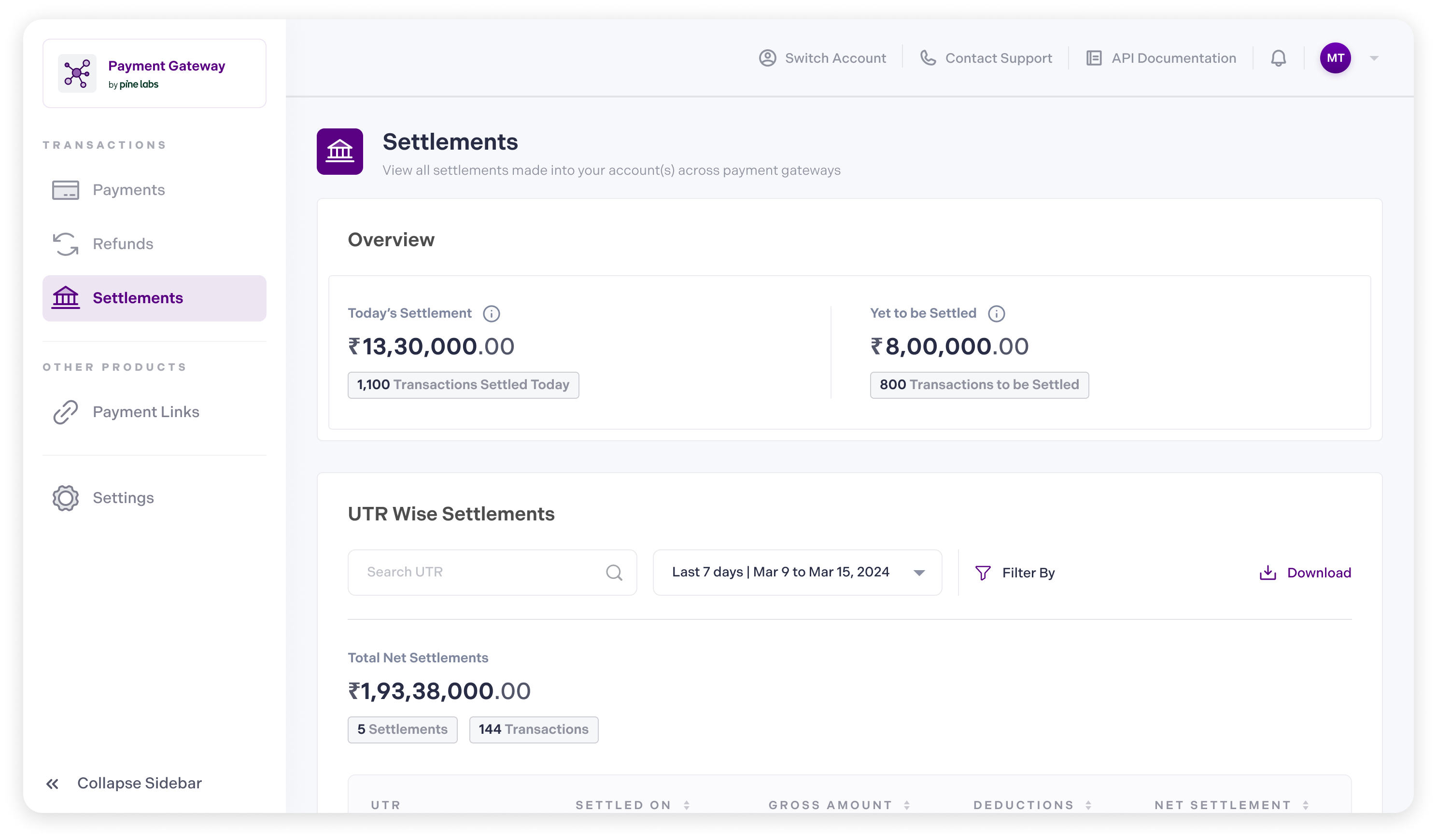
Merchants can click on a specific Settlement ID or UTR Number to view a deeper breakdown of their settlement details. The settlement details include the transaction details and timelines listed below:
- Transaction Details: Each settlement provides detailed transaction data, including the Transaction ID, Date, Amount, and Status.
- Timeline: Merchants can view the settlement timeline, including initiation, expected completion, and status of the settlement.
Refer to our Settlement Dashboard documentation to learn more.
Updated about 1 month ago